
How to add a new amenity to Canalplan
Go to the place you want to add the new amenity to
In the Edit Menu find the Amenities Option
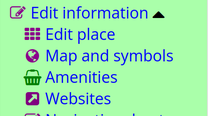
Click on the menu entry

Click on New Amenity

Add the details
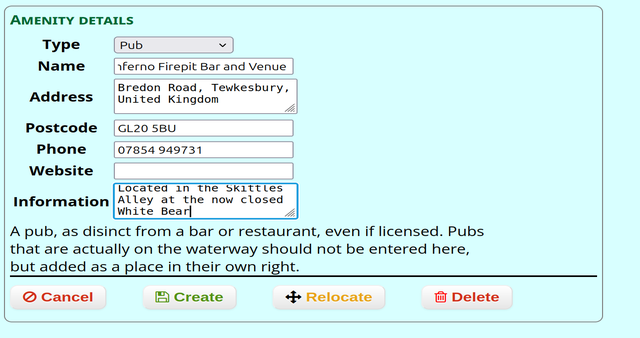
Click Create

Then Drag the icon to the correct location :

Then Click Save

Your change should appear in the activity log
